 Flow / ShotGrid
ORBIT
Production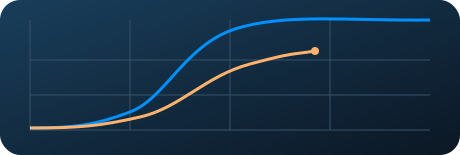
72%
Next milestoneDelivery ↗
Every studio. Every production. One view.
Control deliveries, milestones and production status across multiple studios.
PIPELINEPRO / DISTRIBUTOR
Connect what gets made. Control what gets delivered.
Every studio has its own tools. You need the whole picture. Bring project progress, delivery commitments and files into one dashboard so every production can flow.
For distributors, broadcasters and teams overseeing multiple studios.
YOUR CONNECTED SLATE
Flow / ShotGrid ftrack
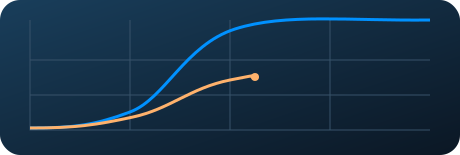
 Kitsu
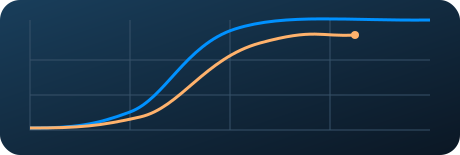
 PipelinePro
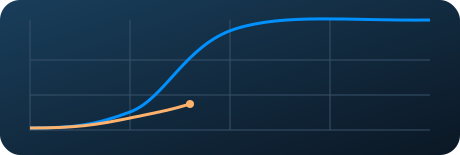
Illustrative example with fictional projects.
Each studio, its own system.
Your distribution team, one view.
Flow (ShotGrid)ftrackKitsuPipelineProYOUR DISTRIBUTION DASHBOARD
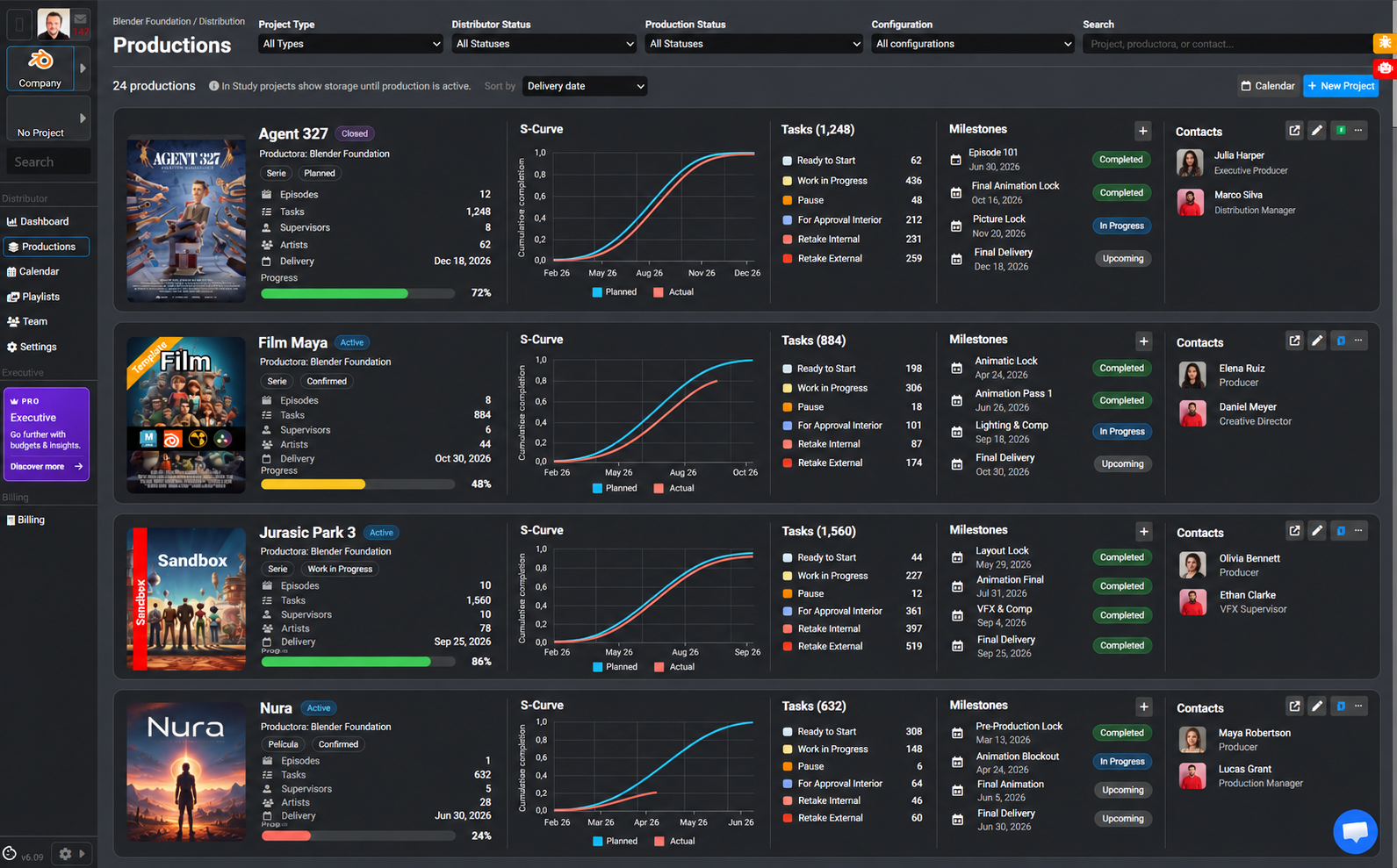
S-curves, progress, tasks and milestones: one shared reference to follow every production.
Enlarge dashboard ↗Illustrative platform view with demonstration data.
By production type
2D animation, 3D production or visual effects. Explore how PipelinePro fits your specialty.
 Harmony
 After Effects
 Premiere
Animation → Compositing → Editing
Animate in Harmony, composite in After Effects and edit in Premiere in one shared workflow.
Explore workflow↗ Maya
 Nuke
 DaVinci Resolve
3D → Compositing → Color
Connect Maya, Nuke and DaVinci Resolve to take your assets and shots through final finishing.
Explore workflow↗Nuke Houdini
 Hiero
Compositing → 3D → Conforming
Coordinate Nuke compositing, Maya scenes and Hiero conforming with connected versions and deliveries.
Explore workflow↗01 / CONTROL STARTS EARLIER
The project exists before production starts. Keep agreements, materials and dates connected from that very first moment.
Contracts, early scripts, budgets and development materials. Work with project files before kick-off and retain the context when the studio joins.
Set milestones between distributor and studio. Align what gets delivered and when, and follow those commitments in one calendar across your productions.
See how each project is progressing in real time from your dashboard. Bring together information from productions connected through Flow (ShotGrid), ftrack, Kitsu or PipelinePro to decide with a shared context.
02 / A NEW STUDIO. THE SAME PROJECT.
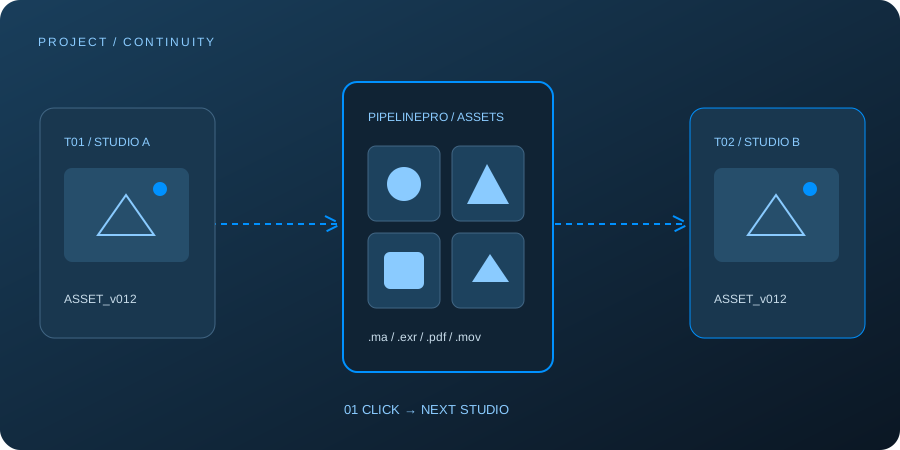
One studio produces season one. Another takes on season two. Pass files to the new studio in one click, without asking the previous team to prepare and send everything again.
The project and its materials, connected from the start.
Files stay with the project, beyond the team producing it.
One click to pass the files and keep work moving.
The new studio receives the materials. The previous studio has no new transfer to prepare.
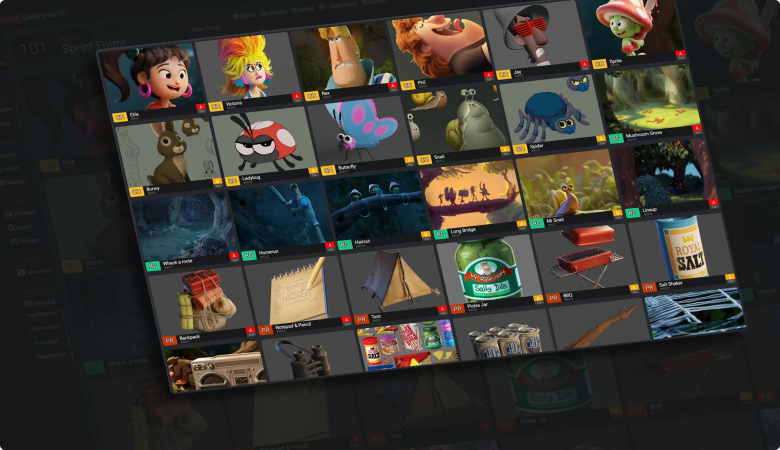
03 / FROM STATUS TO MATERIAL
Follow production progress and access its deliveries from the same workspace. From a calendar commitment to the delivered material, without getting lost across portals and email threads.
Let’s explore it with your productions ↗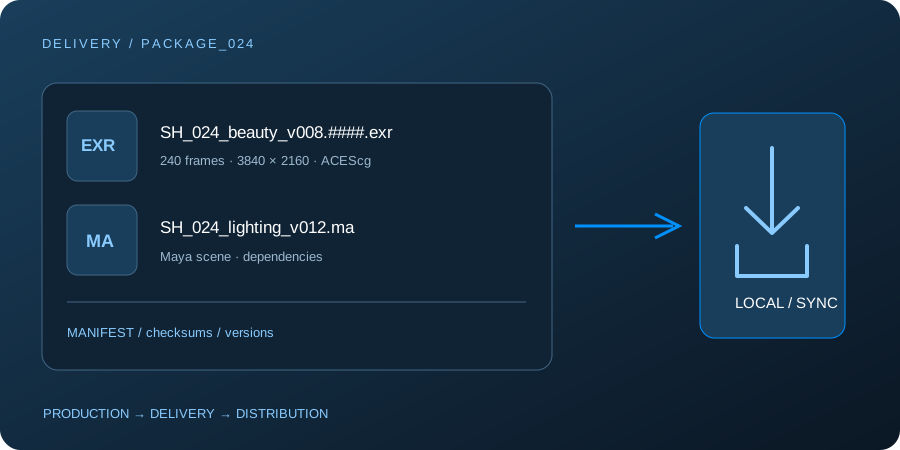
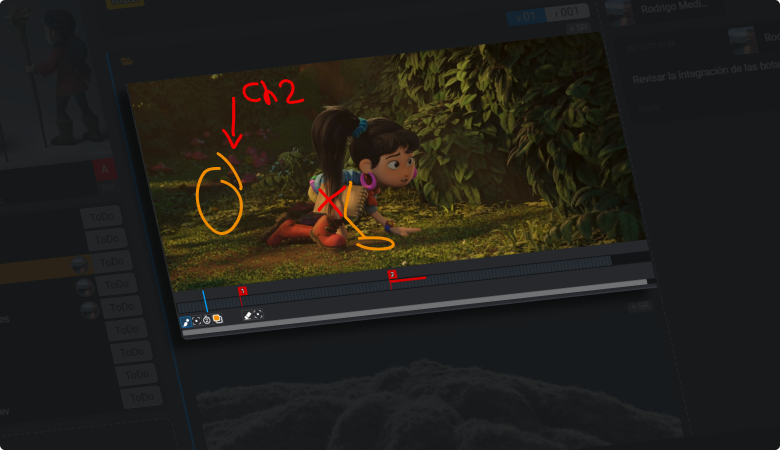
FROM REVIEW TO DELIVERY
Review material with context. Connect the conversation around a delivery with the project’s review tools.
LESS CHASING. MORE FLOW.
The overview you need, even when every studio uses a different system.
Shared dates and access to deliveries to follow through on what was agreed.
Materials stay with the project when the production studio changes.
BEFORE WE CONNECT
Yes. The distributor view brings together productions managed in ShotGrid (Flow), ftrack, Kitsu or PipelinePro. In the demo, we’ll review connections and the information you need from each team.
You can start with project files: contracts, early scripts, budgets and development documents. That context then carries into production.
You can pass project files to the new studio in one click. The handover between seasons no longer depends on the previous team gathering and sending the materials again.
YOUR PRODUCTIONS, CONNECTED
Tell us how many studios you work with and which systems they use. Let’s explore connecting your slate in a Distributor demo.