Production context
Projects, assets, shots and tasks as the foundation for technical work.
The platform is ready. Build what makes your client unique.
For studio TDs, pipeline teams and freelancers.
01 / BUILD ON A FOUNDATION
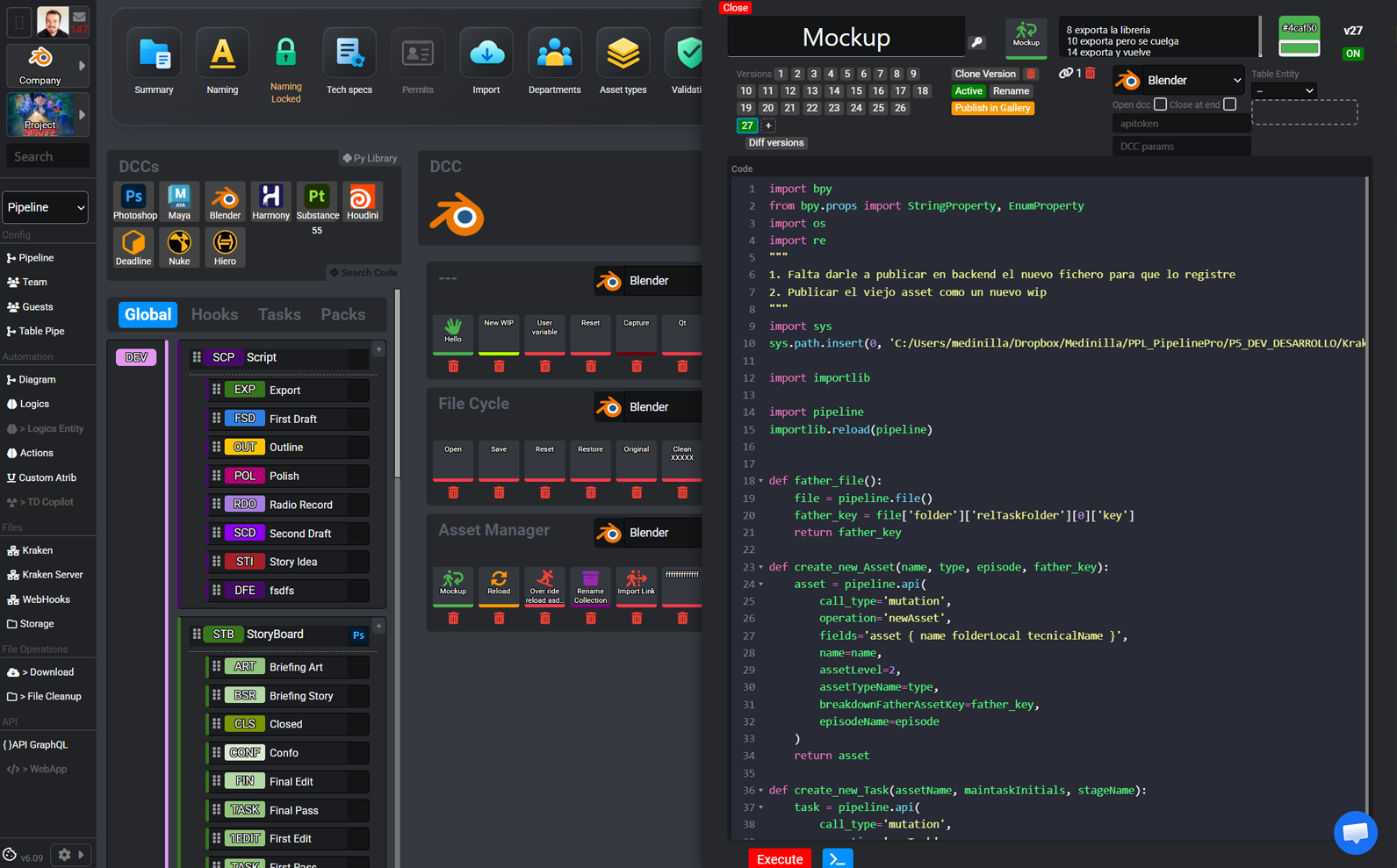
A TD adds value by understanding a problem and solving it. PipelinePro brings production context, files and tools together so you can develop the key functions without having to build the whole system.
Projects, assets, shots and tasks as the foundation for technical work.
Files, versions and review alongside the artists’ work.
Actions, code and integrations for what makes the studio different.
02 / YOUR WORKBENCH
The technical building blocks for TDs, within a workflow you can extend with your own development.
Define naming conventions and technical requirements in the context of the project.
Connect checks, transformations and publishing with the functions the studio needs.
Bring the pipeline to where artists work: Maya, Houdini, Nuke, Blender or Harmony.
Check material before it moves forward. Make technical validation part of the workflow.
Centralise tools and reuse your knowledge across projects and clients.
Connect third-party services and systems through actions and access to project data.
Build functions that support artists inside their application. Bring production context and technical execution together.
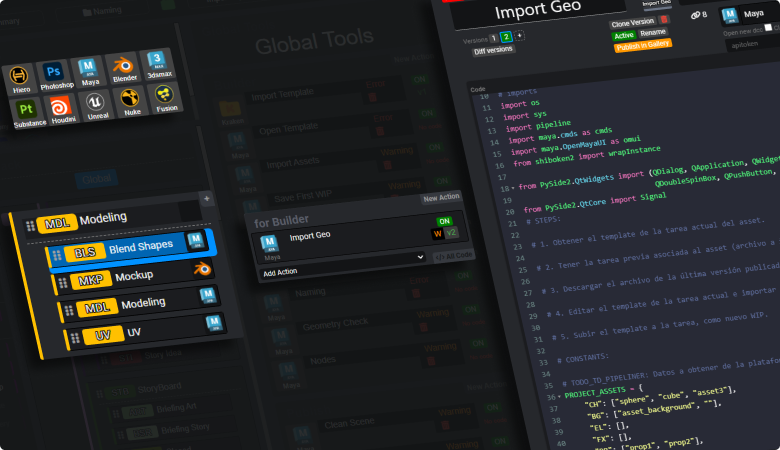
Orchestrate the actions that turn a manual process into a consistent studio workflow.
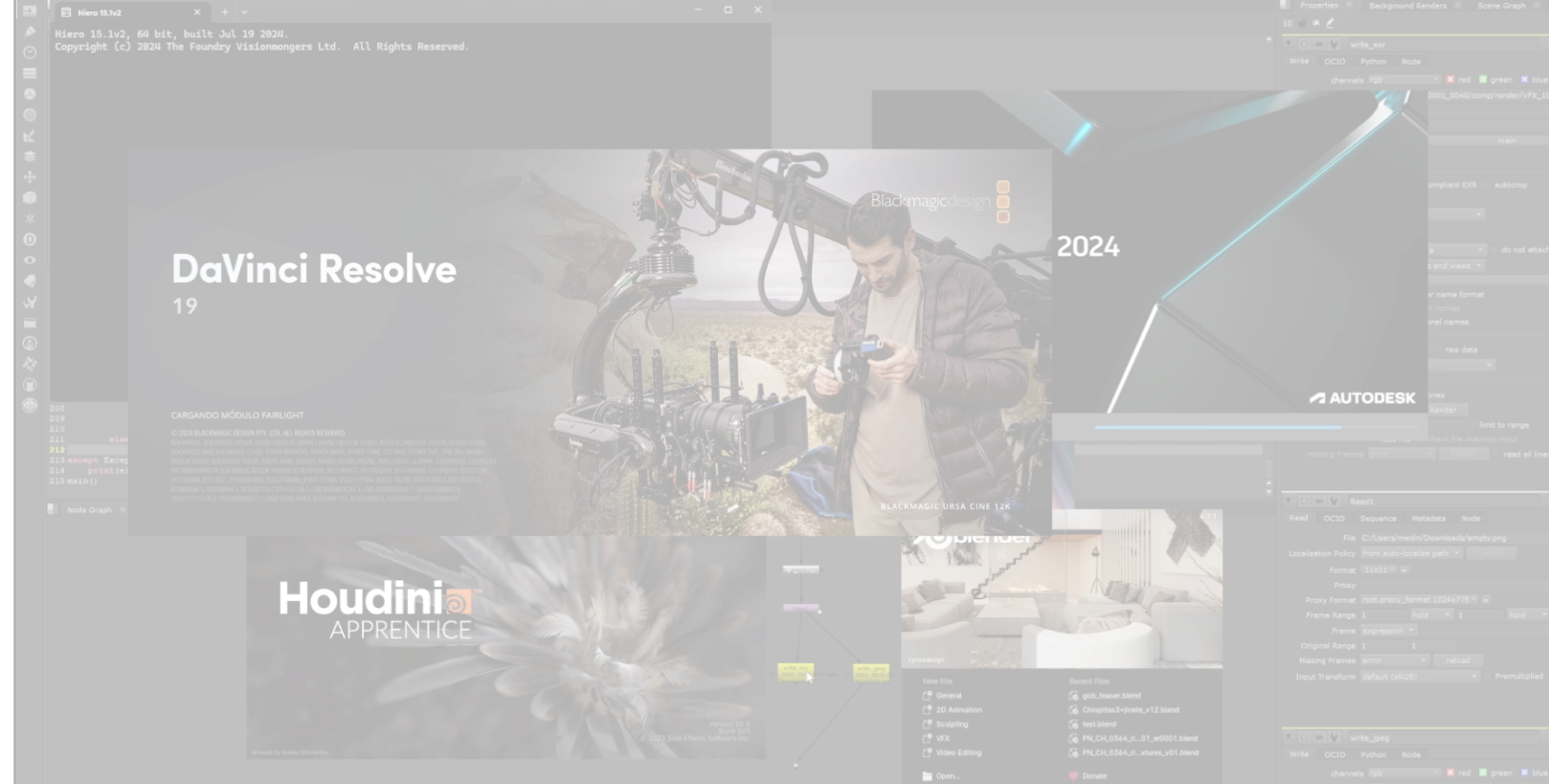
Organise the pieces you have already solved and build on them for the next client.
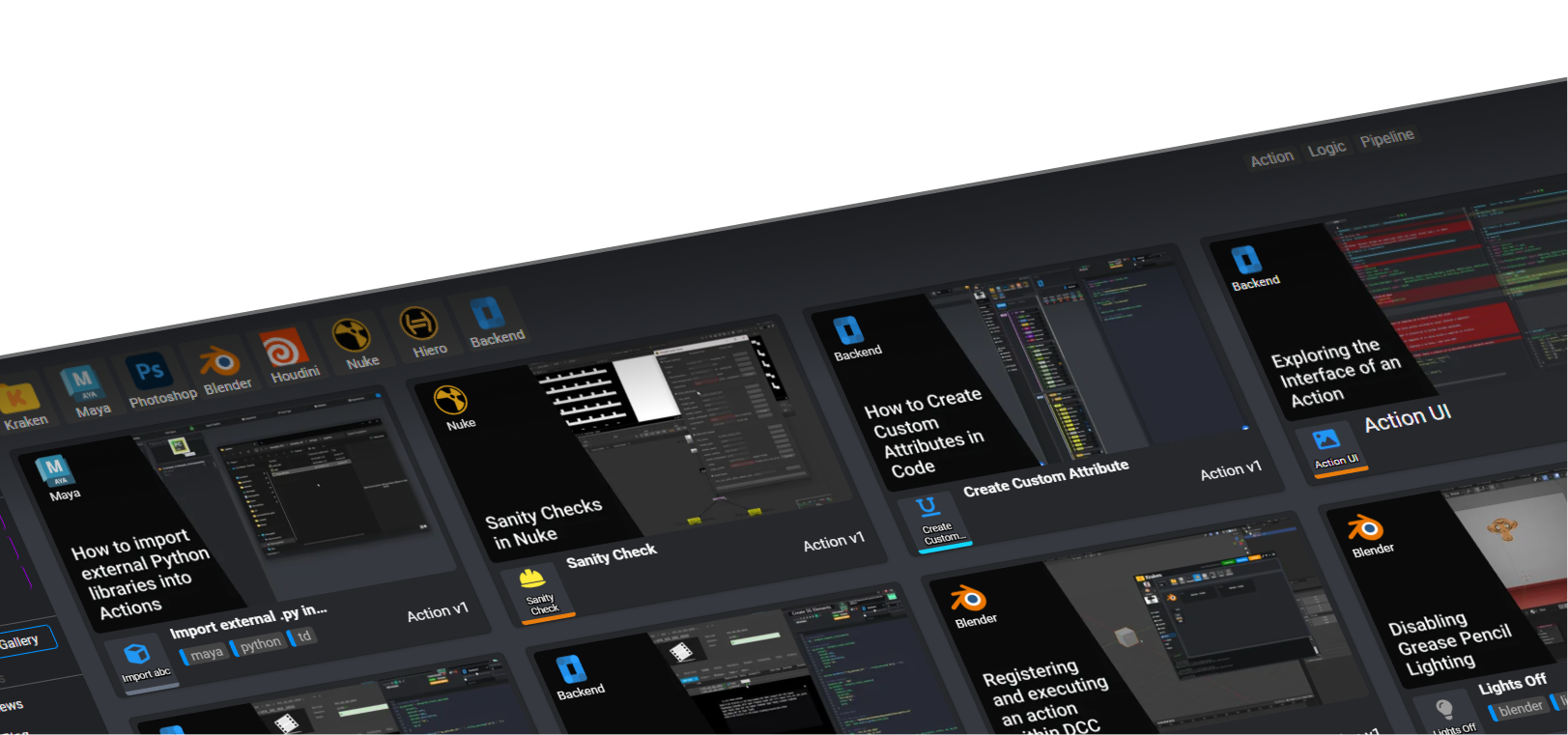
Three examples of configuration and integration, each linking to its video in Technical Questions.

Explore how to configure the workflow for different types of production.
See example
Check the artist’s environment against the requirements of each project.
See example
See how to connect the render launcher to machines on the studio network.
See exampleBy production type
2D animation, 3D production or visual effects. Explore how PipelinePro fits your specialty.
 Harmony
 After Effects
 Premiere
Animation → Compositing → Editing
Animate in Harmony, composite in After Effects and edit in Premiere in one shared workflow.
Explore workflow↗ Maya
 Nuke
 DaVinci Resolve
3D → Compositing → Color
Connect Maya, Nuke and DaVinci Resolve to take your assets and shots through final finishing.
Explore workflow↗Nuke Houdini
 Hiero
Compositing → 3D → Conforming
Coordinate Nuke compositing, Maya scenes and Hiero conforming with connected versions and deliveries.
Explore workflow↗03 / BUILT FOR FREELANCE WORK
Turn your experience into pipelines ready to load. Clone and export what you have built, bring it into the next client’s project in a few clicks and adapt the functions their studio needs.
Explore Pipeline Designer ↗04 / GRAPHQL
A powerful GraphQL API to query project context and connect your tools. Integrate production data into your interfaces, automation and services with queries tailored to what you need.
Example query from the platform schema. Requires authentication and project access.
query ProjectContext($key: String!) {
  project(key: $key) {
    name
    key
  }
}Project context, inside your tool.
05 / CODE THAT REACHES PEOPLE
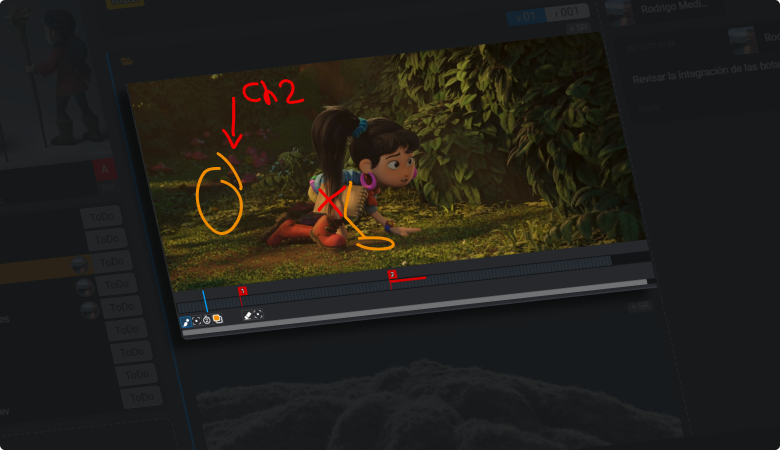
Connect your development with tools the team already uses: material review, asset management and production context. Technical work becomes part of the artist’s experience.
BEFORE YOU BUILD
You can prepare a reusable foundation, clone and export pipelines and adapt each project to the client’s needs. Your work focuses on the functions that add value to the studio.
The platform provides a GraphQL API. In the demo, we’ll review the data, operations and access requirements your integration needs.
The Technical Director course introduces the platform and its development tools. Use the fixed training link to view the published course.
YOUR NEXT PIPELINE STARTS HERE
↗Tell us what your studio or next client needs. Let’s explore building it on PipelinePro.
Request a technical demo ↗